
Let’s face it: sometimes, even the best plans have to hit the pause button, especially when it comes to subscriptions that keep draining your wallet. If you’ve been part of the Fortnite Crew but now feel like you need to bid farewell, you’re in the right place. Don’t worry, canceling is easier than dodging an enemy sniper. In this guide, we’ll walk you through the steps to cancel your Fortnite Crew subscription on Xbox, making it a breeze. Get ready to reclaim your control over your gaming budget, without any unnecessary drama.
Understanding Fortnite Crew Subscription
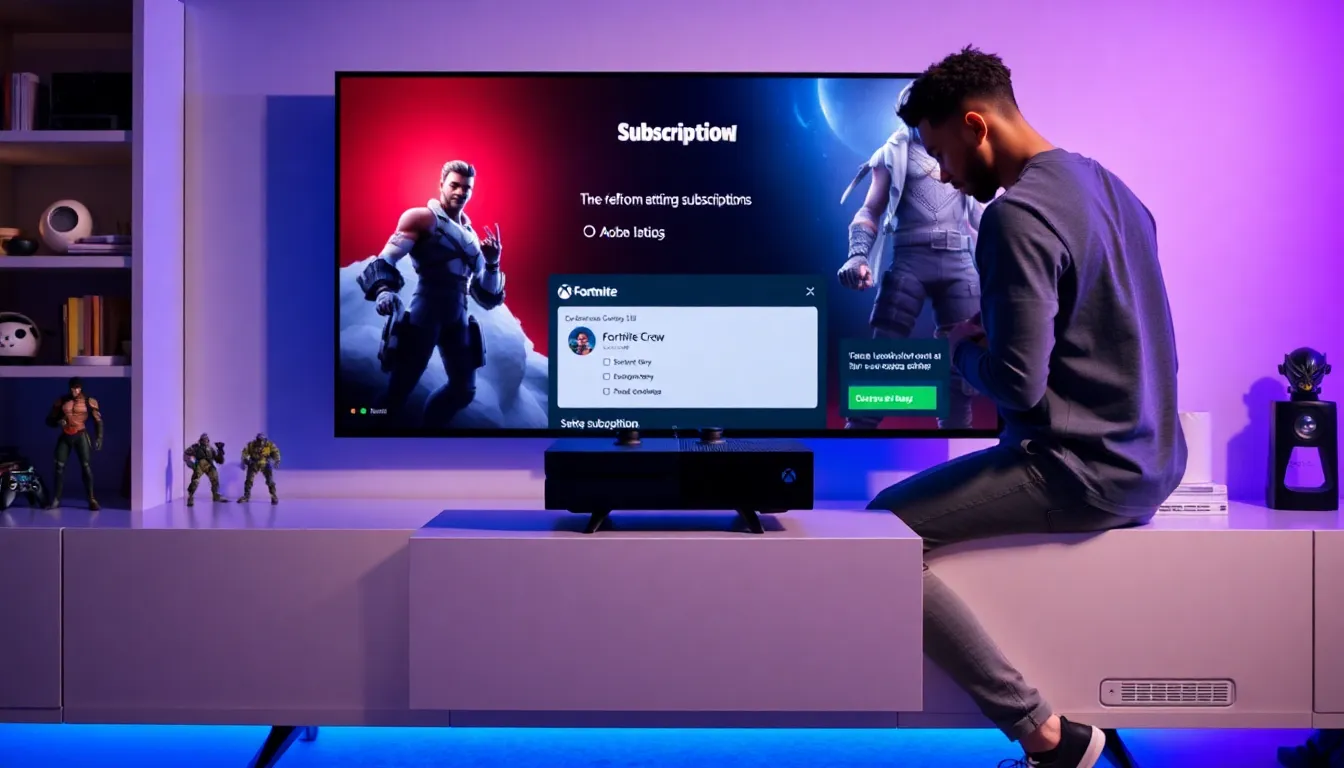
The Fortnite Crew subscription is a treasure chest for avid players, offering them a bundle of goodies each month. For a monthly fee, subscribers receive exclusive in-game items, a battle pass, and monthly V-Bucks to spend in the Fortnite universe. But while it’s a fantastic deal for many, it’s important to understand what you’re signing up for before diving in.
If you’re joining the Fortnite Crew for the first time, you might be wondering: what exactly am I getting? Each month, you unlock limited-time outfits, new gear, and access to that sweet battle pass, if you truly immerse yourself in Fortnite’s seasonal gameplay, it’s worth it. But, if the excitement wanes, you might find yourself reconsidering whether this recurring charge still brings you joy.
Understanding the perks and constraints of your subscription helps in making informed decisions for your gaming journey.
Reasons To Cancel Your Subscription
Several reasons could lead a player to cancel their Fortnite Crew membership. First, maybe the gaming hours have dwindled due to life’s commitments, work, school, or social gatherings can overshadow nightly gameplay. It happens.
Next up, the monthly fee can add up, especially if it’s stretching the budget. While some players find great value in the add-ons, others might balk at recurring charges when the gameplay feels stagnant or lacks excitement.
Another reason might be simply wanting to explore other games. Fortnite’s vast map is exciting, but there’s a whole world of titles out there competing for attention. Shifting interests can lead to a gaming shift. Plus, there’s always the potential to re-subscribe in the future if procrastination builds upon new content that entices players back. Who knows? Your gaming interests might circle back.
Eventually, if it no longer sparks joy, it might just be time to let go.
Steps To Cancel Fortnite Crew On Xbox
Managing Your Subscription Through Xbox Settings
To manage your Fortnite Crew subscription, start by heading to your Xbox settings. Go to the main menu and navigate to the ‘Settings’ tab. Finding this is like trying to navigate a compact maze but don’t fret, Microsoft keeps it user-friendly. Once here, you’re set to find your subscriptions without any wild goose chases.
Accessing Your Microsoft Account
Log into your Microsoft account linked to your Xbox profile. It’s crucial to use the same account that holds your Fortnite Crew subscription. Imagine wishing to cancel a former roommate’s subscription, you’ll need the right door key. Once logged in, you’ll have robust access to managing all your subscriptions from this interface.
Navigating to Subscriptions Section
Under the account menu, explore the ‘Subscriptions’ section. Here you’ll view all active subscriptions, including the ever-enticing Fortnite Crew. It’s like finding the final level on a game map. Select the Fortnite Crew option to investigate deeper.
Cancelling Your Subscription
Once you’ve selected the Fortnite Crew subscription, you’ll see an option to cancel. Click on this, and follow the prompted instructions. A little confirmation box will usually pop up, giving you a chance to reconsider, as if tempting you with sweet loot. Confirm your choice, and voilà, you’ve successfully canceled your subscription.
Breathe easy: at this point, you’re done, until next time. This process is designed to be straightforward, so you can focus on what truly matters. Whether that’s grinding for gloating rights in other games or just kicking back.
Confirmation and Final Steps
After following all the steps, check your email for a cancellation confirmation. This email acts as a safety net, ensuring your request went through. If it lands in your inbox, you can rest easy knowing you won’t be charged for the next billing cycle.
Make sure to double-check your subscription status via your Microsoft account just to ensure all’s well. It’s similar to confirming you’ve turned off the stove before leaving home, better safe than sorry.
If you happen to change your mind later, the game developers do allow subscriptions to be reactivated quite conveniently through the same process. So no need to slam the door shut on those in-game benefits just yet.
If you’d like to explore more content in the future, there will always be time and opportunity to jump back in.
Frequently Asked Questions
Can I cancel my Fortnite Crew subscription at any time?
Yes. The nature of the subscription allows you to cancel at your convenience without any penalties.
Will I lose my V-Bucks and battle pass after cancellation?
You keep everything you’ve earned until the end of your current billing cycle. Once it ends, you’ll no longer have access to those monthly perks.
Can I reactivate my subscription?
Absolutely. You can re-subscribe anytime through your account settings. Just a few clicks and you’re back in business.
How do I know if my subscription was successfully canceled?
You should receive a confirmation email almost immediately. If you don’t see it, log back into your account to check the subscription status.