Joining Minecraft servers on Xbox can feel like entering a digital playground, filled with unlimited adventures. Imagine your character, ready to build, explore, and maybe even conquer. But wait. Before jumping into this world, there’s a catch. There are steps to navigate, and yes, sometimes the process can feel more perplexing than finding a lost diamond in a giant cave. Fear not. This guide will take you from novice to pro in no time. Let’s immerse and unearth the secrets to joining Minecraft servers on Xbox.
Understanding Minecraft Servers
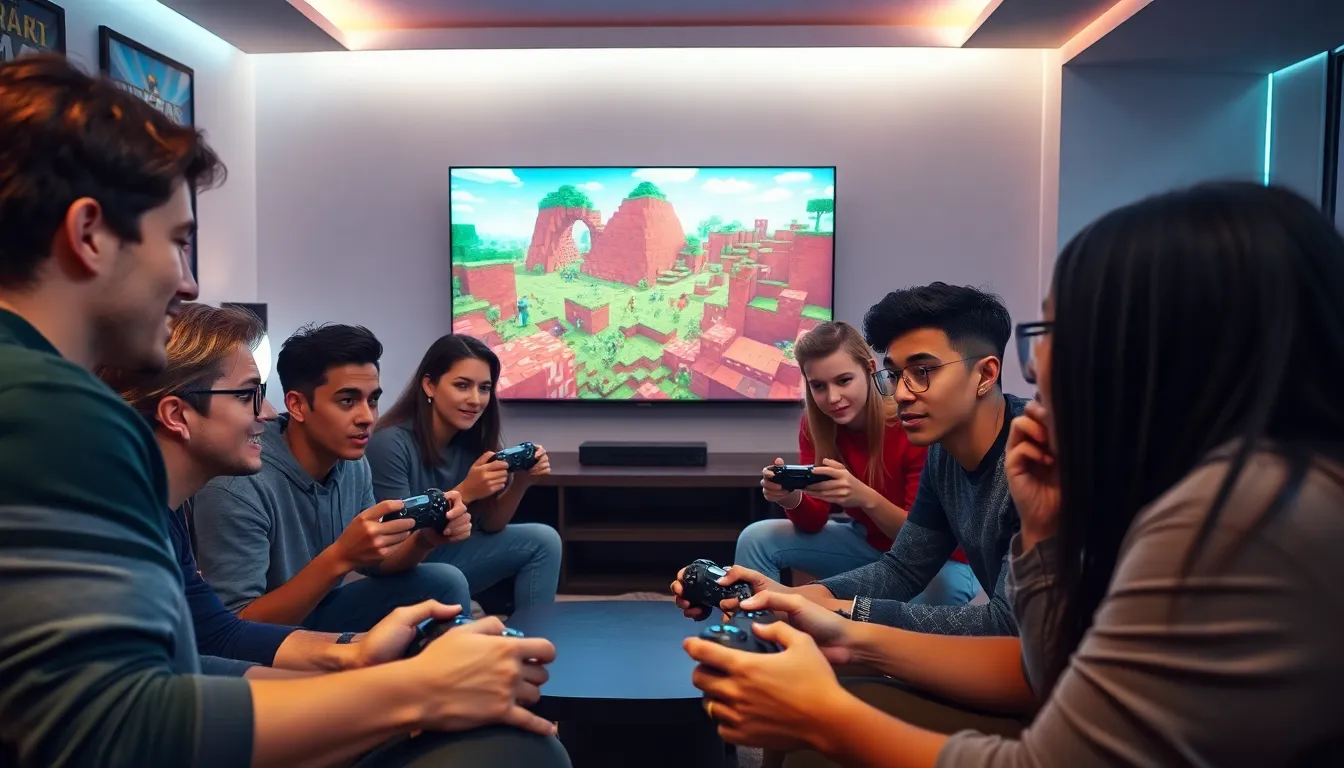
Minecraft servers are like the bustling cities of this blocky universe where players can gather, collaborate, and compete. Instead of playing solo in a quiet, emptier world, servers foster community and interaction. They offer tailored experiences, whether that’s surviving against hordes of zombies or playing mini-games like hunger games or SkyBlock. Understanding these servers is your first step towards a richer Minecraft adventure.
Types Of Servers Available
With assorted server types at your fingertips, it’s crucial to know which ones suit your fancy. Some popular types include:
- Survival Servers: Here, you’ll gather resources, craft items, and try to thrive in a world with limited resources. Expect some challenges along the way.
- Creative Servers: If you have a knack for building, these servers are your canvas. Use unlimited resources to create grand structures, pixel art, or even recreate famous landmarks.
- Minigame Servers: Fancy a break from mining? Join mini-games like parkour challenges, PvP games, or other fun competitions.
- Roleplay Servers: Jump into a narrative, take on character roles, and immerse yourself in story-driven gameplay. Expect to interact with others in character.
Each type has its unique charm, so discovering your preference will make your gaming experience all the more enjoyable.
Creating A Microsoft Account
To make the most of your Xbox Minecraft experience, creating a Microsoft account is essential. This account acts like your ticket to adventure. Here’s how to set it up:
- Go to the Microsoft account signup page.
- Fill out the registration form with your details. Don’t forget to verify your email and phone number.
- Once confirmed, log in through your Xbox console or the Minecraft game itself.
Having a Microsoft account is crucial as it allows you to access various server features, keeps your gaming stats, and connects you with friends.
Joining Servers Via The Xbox App
If you prefer the convenience of mobile or tablet devices, joining servers via the Xbox app can be your best bet. Here’s how:
- Download and install the Xbox app if you haven’t already.
- Open the app and sign in with your Microsoft account.
- Navigate to the ‘Friends’ tab.
- Look for the ‘Join Game’ option. Any active servers or friends playing that you can join will be visible.
- Click to join a server and let the fun begin.
This method keeps you connected when you’re on the go.
Using The In-Game Server Browser
The in-game server browser is your gateway directly from within Minecraft. To access it:
- Launch Minecraft and head to the main menu.
- Select the ‘Play’ option and then navigate to the ‘Servers’ tab.
- Here, you’ll find a list of featured servers, and you can also add your own.
- If you have a specific server in mind, input its IP address or name in the designated area.
- Click ‘Join Server’, and prepare yourself for the blocky adventure awaiting you.
The in-game server browser simplifies the process, making it easy to hop in and out of different gaming experiences.
Troubleshooting Common Issues
Now, not every journey is smooth sailing. Players might encounter some bumps along the way when trying to join servers on Minecraft. Some common issues include:
- Server Not Responding: This often means the server is down. Check with the server’s website or social channels for updates.
- Connection Issues: Make sure your Xbox is connected to the internet. Sometimes, a simple restart can do wonders.
- Account Issues: If you can’t log in, double-check your Microsoft account credentials. Having an active subscription, like Xbox Live Gold, is also necessary for certain servers.
These hiccups are commonplace, but with a little patience and troubleshooting, they can be resolved quickly.
Tips For A Better Server Experience
Once players jump into the server world, they’ll want the best experience possible. Here are some handy tips:
- Choose Reputable Servers: Opt for servers that have positive reviews and an active player base. These often provide a smoother experience.
- Stay Updated: Many servers undergo regular updates and maintenance. Follow their social media for announcements related to events or changes.
- Interacting: Engaging with other players can enhance the experience. Join discussions, trade items, or participate in server activities.
- Be Respectful: Server rules are important. Regardless of the type of server you join, respect others to maintain a friendly atmosphere.
Embodying these tips will undoubtedly lead to a more enjoyable time on Minecraft servers.